Frequently Asked Questions
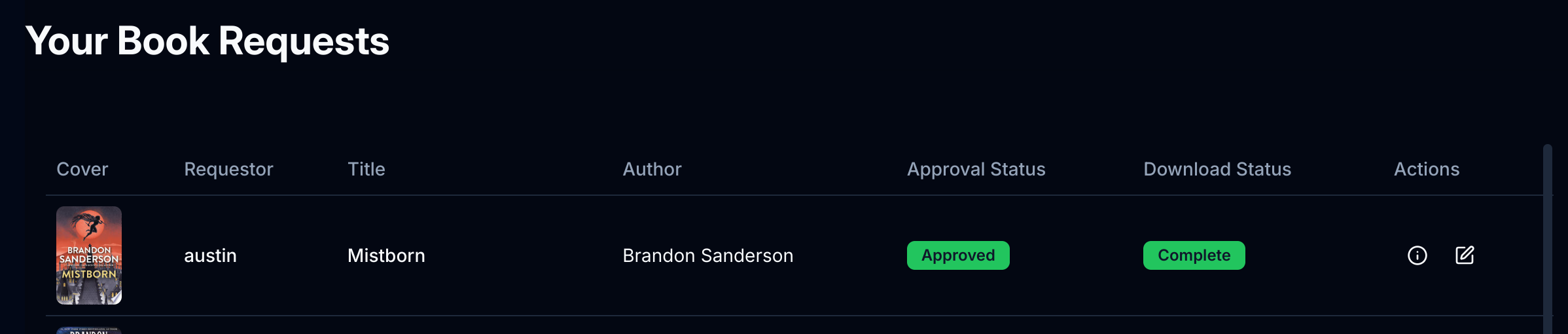
How will I know if my requested book is added?
You can check your book request status within Seeklit. Once the Download Status is switched to Complete your book should be available.
Why is the book I sent to my Kindle not showing up?
If you've used the send-to-ereader option and your book isn't appearing after a few minutes, there might be a setup issue. Here's how to troubleshoot:
Step 1: Check Your Kindle's Internet Connection
Ensure your Kindle is connected to the internet. Without a connection, the book won't sync.
Step 2: Verify Your Approved Email List
The most common issue is an incorrectly configured approved email list. Refer to the Send to Ereader guide for detailed instructions on setting this up.
Step 3: Try These Troubleshooting Steps
If everything seems correct in your Kindle settings, try these additional steps:
- Restart your Kindle: A restart can often resolve syncing issues.
- Sync your Kindle manually: Look up instructions online if you're unsure how to perform this step.
If the issue persists, double-check your setup or consider reaching out to Amazon support for assistance.